Think out loud.
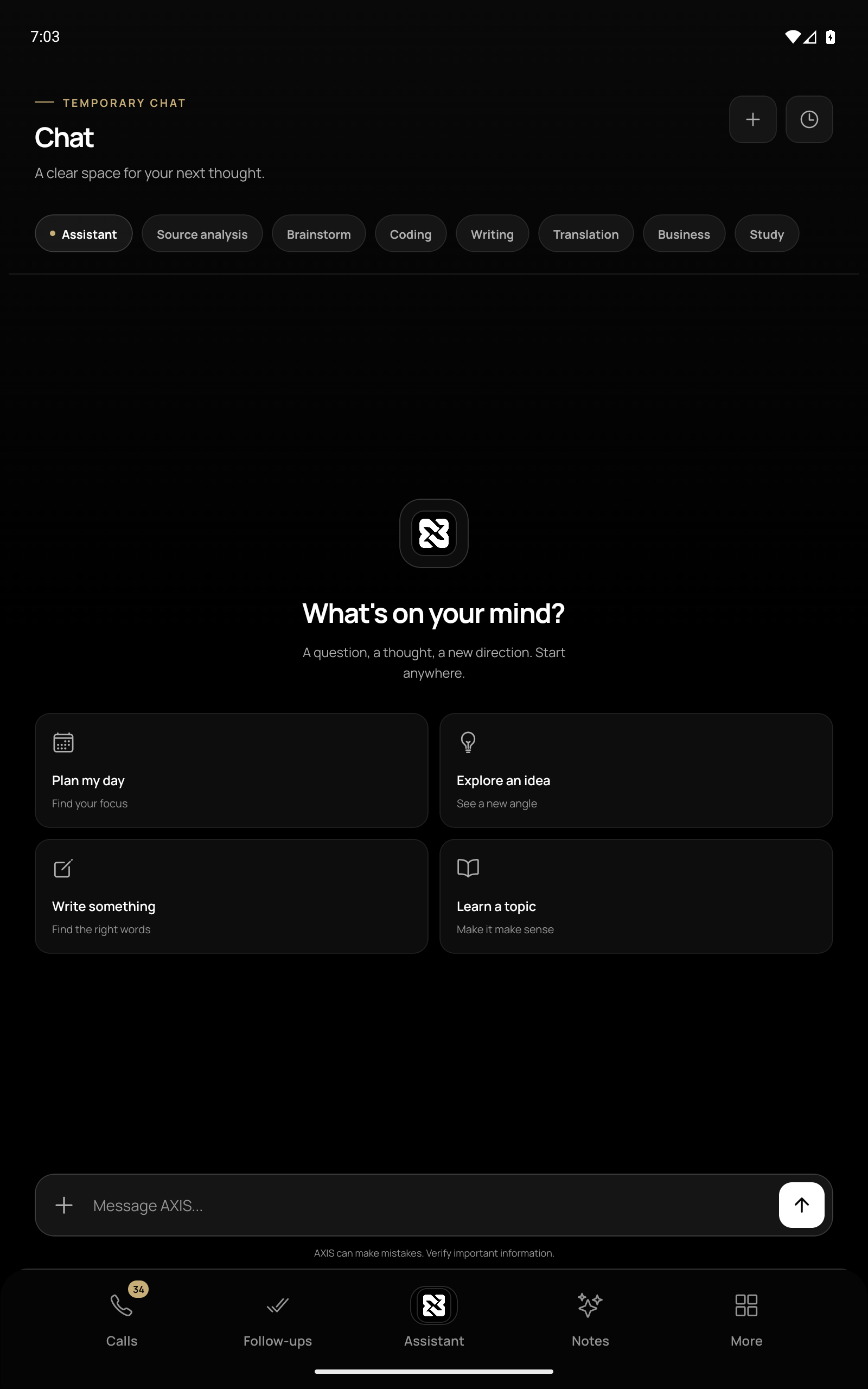
Ask a question, explore an idea, draft a message or switch to a voice conversation. Choose the mode that fits the moment.
 AXIS
AXIS
Personal intelligence. Android.
The thought you want to explore. The detail you need to remember. The next step waiting to happen. Bring it together with AXIS.
The possibilities
From an open-ended conversation to a well-defined next step, AXIS gives your day a little more structure.
Ask a question, explore an idea, draft a message or switch to a voice conversation. Choose the mode that fits the moment.
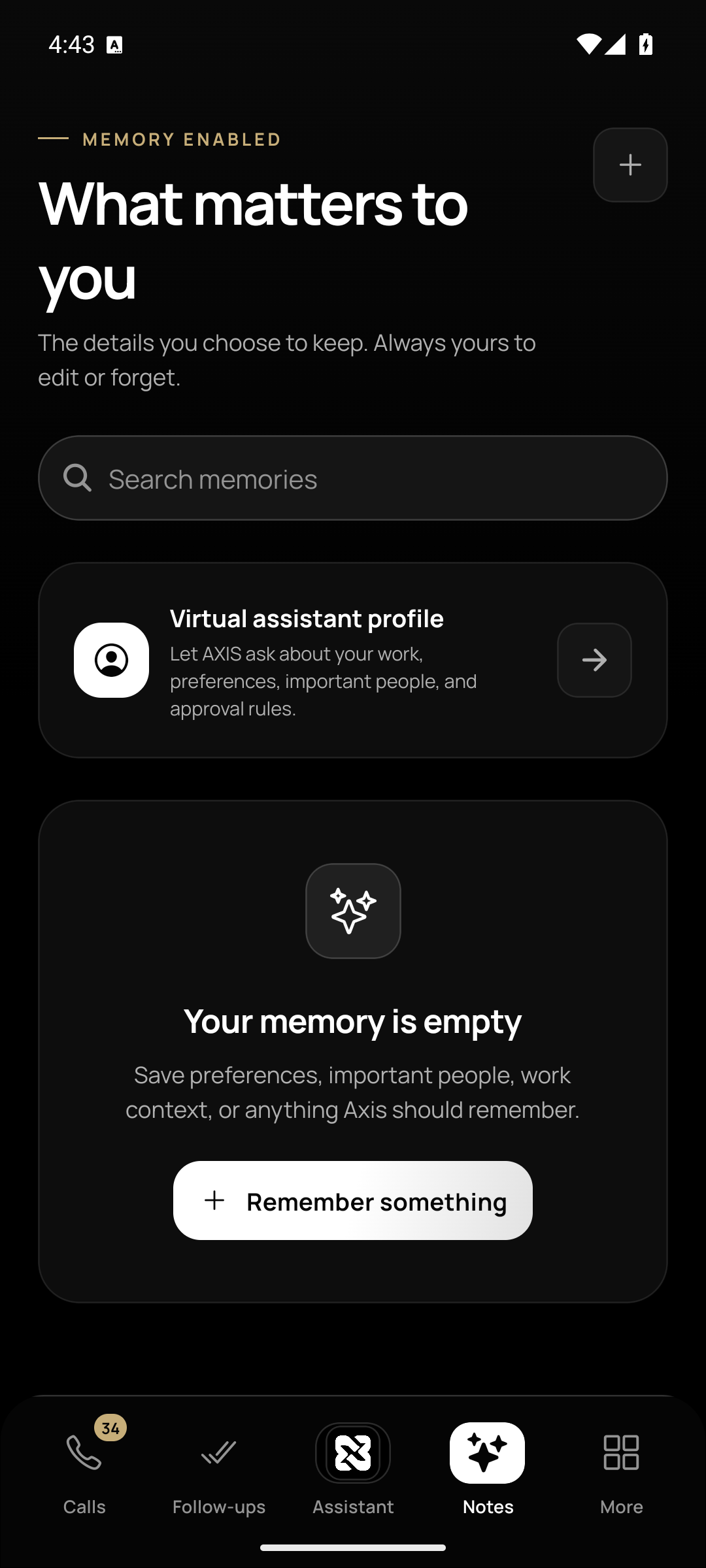
Save context in Notes, bring your files into a private library, and turn plans into tasks with reminders.
Review supported call recordings and transcripts, jump to a moment in the recording, and prepare a follow-up to approve before it goes out.
A closer look
A quiet interface with useful tools close at hand.
Explore real screens from the Android app.
Made to connect the dots
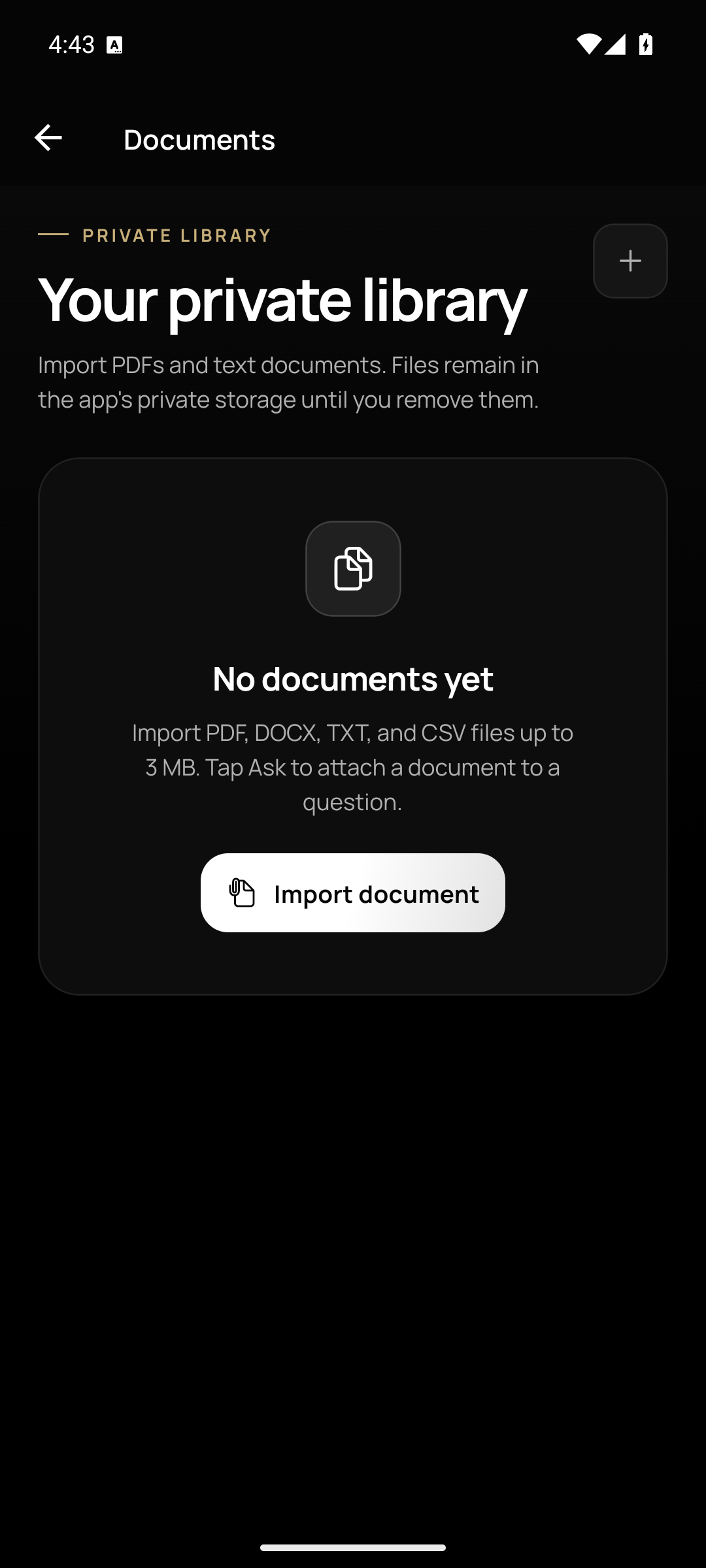
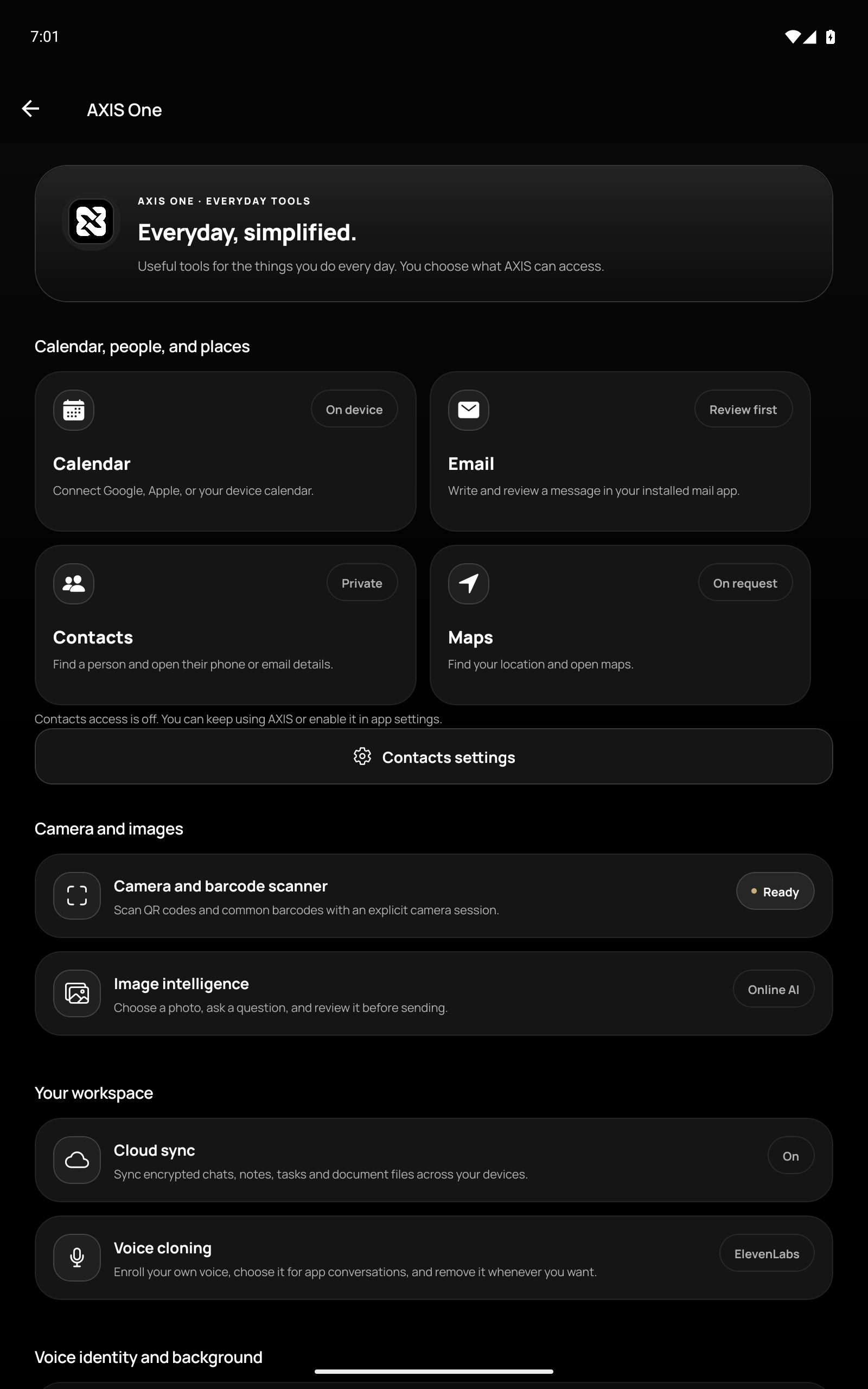
Bring a selected document or image to a question. Keep the preferences you want your assistant to remember. Open everyday tools when you need them.
AXIS brings those small moments into one personal workspace, with your choices guiding what happens next.
See how you stay in controlIntentionally personal
Clear choices belong at the heart of a personal workspace.
Select the image or document you want to send with a question. Importing a file into your library and sending it for AI processing are separate actions.
Check the recipient and message before approving a callback. Email drafts open in your mail app for review.
Choose access to the microphone, contacts, camera, calendar and location as needed. Manage those choices in your device settings.
Local records use encrypted storage. Optional cloud sync encrypts supported workspace content before upload. AI requests are processed by connected services.
AXIS for Android
AXIS is currently a private Android edition with account-restricted access. Explore the app here; public registration is not available.
Explore the app